 Resume Generator
Summit Resume Template — Free, ATS-Friendly
Modern
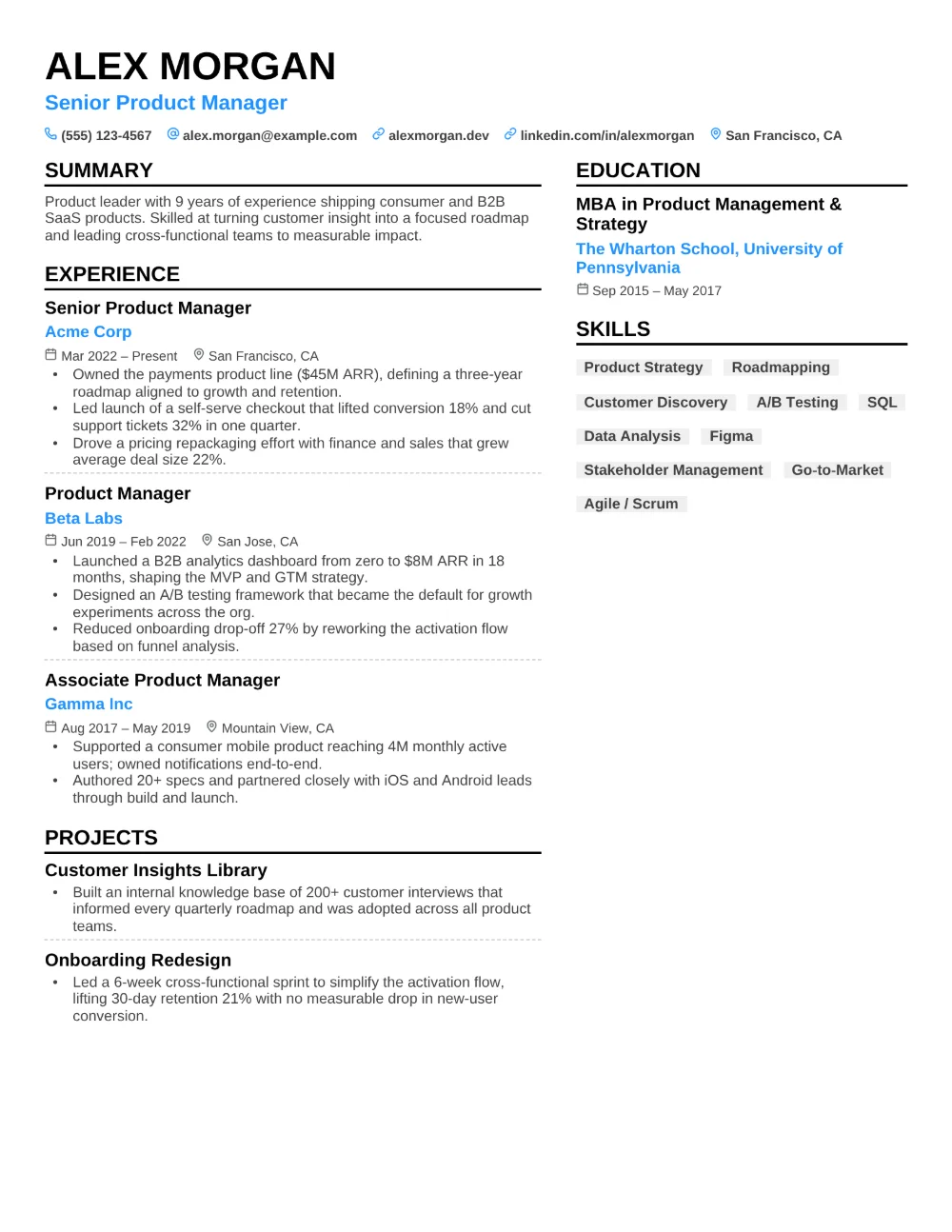
Summit sets your name in large capitals over a blue headline and a line of icon-led contact details, then splits the page into two columns. Your summary, experience, and projects run down the wider left column, each role with a bold title, the employer in blue, and small icons beside the dates and location; education, key achievements, skills, and links fill the right column. Bold black rules under each heading and dashed dividers between entries keep the structure easy to scan.
Summit suits grant writers, nonprofit and program professionals, communications specialists, coordinators, and anyone whose results deserve a spotlight. Each key achievement gets its own blue icon — a lightbulb, a wand, a star, a bolt — with a bold title and a short description, and skills appear as tidy tags rather than a comma-separated list.
Every word on the page is real, selectable text under standard section headings, so applicant tracking systems can read it. Note that some older ATS software reads two-column layouts less reliably than a single column. Download your Summit resume as a PDF or Word document (.docx) — free, no watermark.
Use this template